Key Points: Changing the Holiday Year
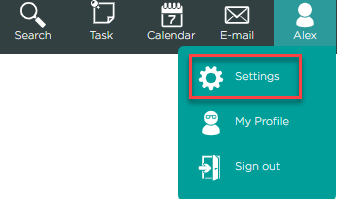
1. Access settings
Click the user name in the top-right corner, then settings.
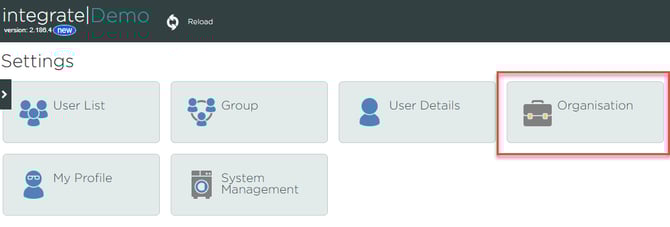
2. Access organisation
Click organisation.
3. Access user management system
Click user management tab.

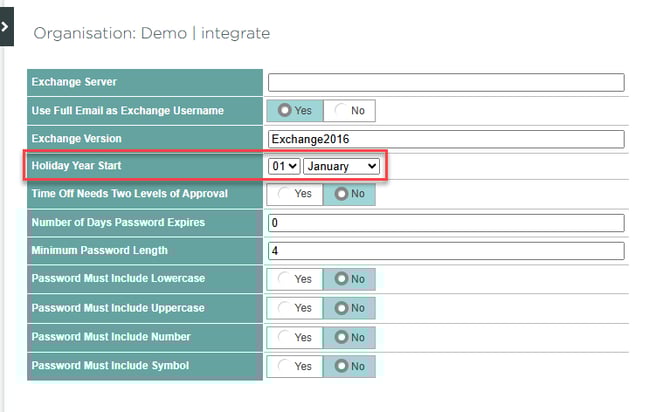
4. Change the holiday year
Edit the date in the holiday year start field, and click save.