Types of Barcodes
There are three different types of Barcodes in Integrate.
- Job Level
- Production Item
- Production Part
You can find the Job Level Barcode when you have Processed all of the Survey drawings.
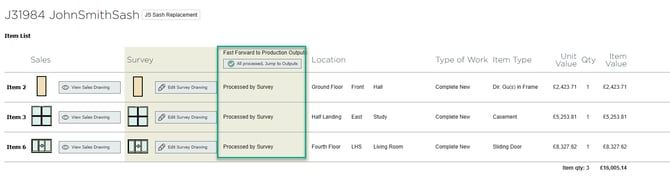
For Production Item and Production Part barcodes, you will also need to import the order to the Production Schedule.
You can only generate the barcodes if you have the Barcode Scanning feature enabled.
Job Level
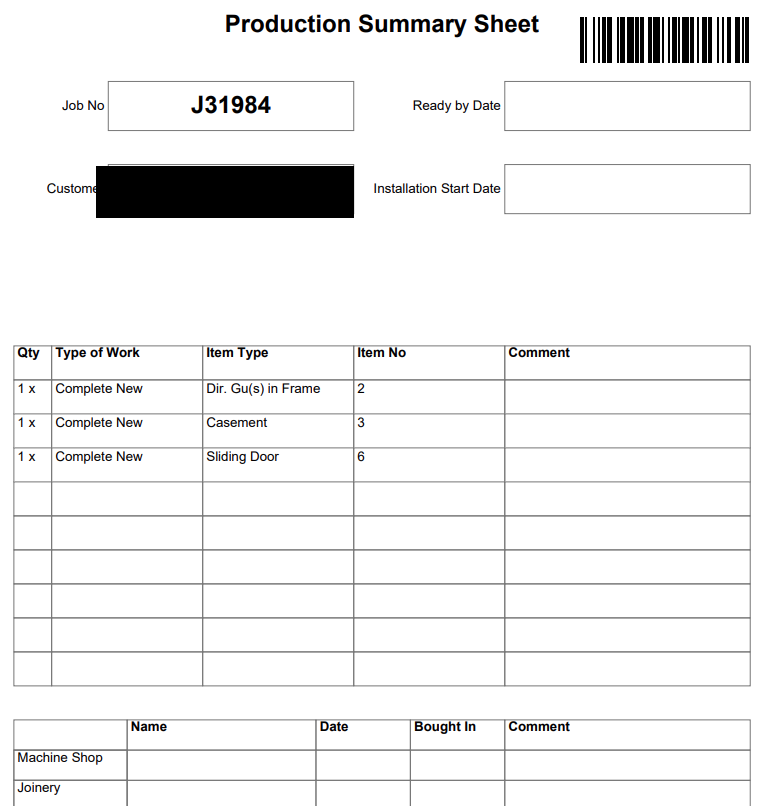
Job Level barcodes are assigned to the entire customer order. You would find this on the production summary sheet. This one barcode is for the whole job, it details all of the information associated with that job.
Once the job is imported into the production schedule, return to your order and go to the output tab.

When on the output tab, scroll down to 'Production Summary Sheet.'
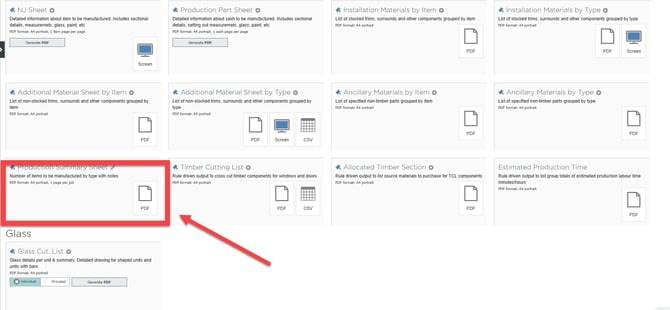 Once you click PDF, you will get a document with your Job Level Barcode.
Production Item
This barcode is for the frames and sashes of the order. You can find this on the output tab too. Scroll down until you find 'NJ Sheet.'
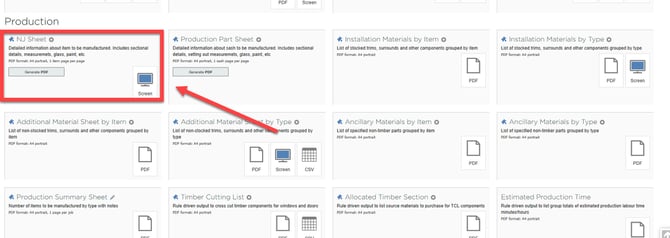
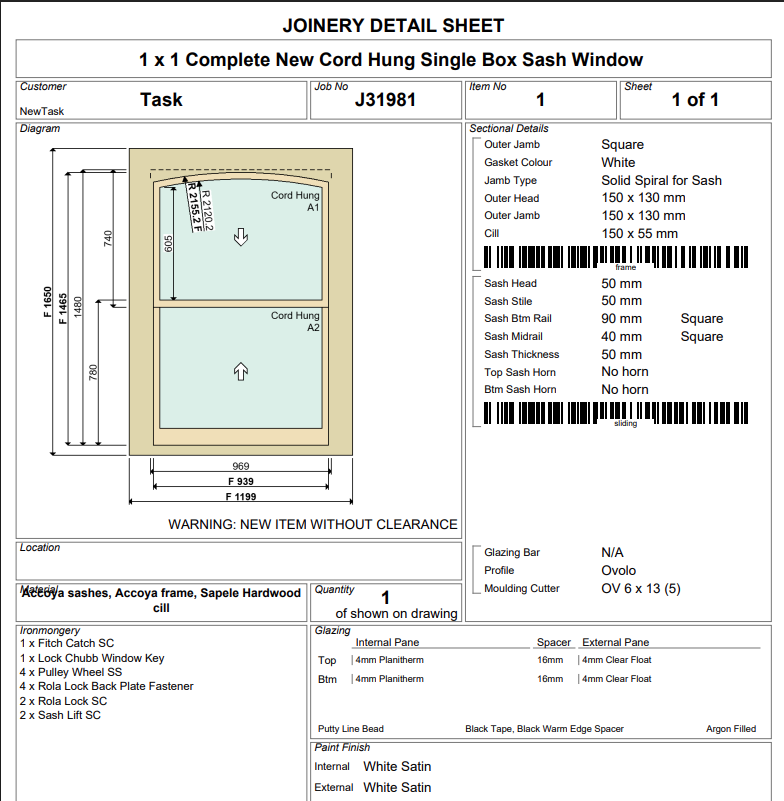
Once you press Generate PDF, you will get a document with the barcodes for sashes, frames etc.
You can tell that these are Production Items and not Production Parts because the barcodes are longer.
Production Part
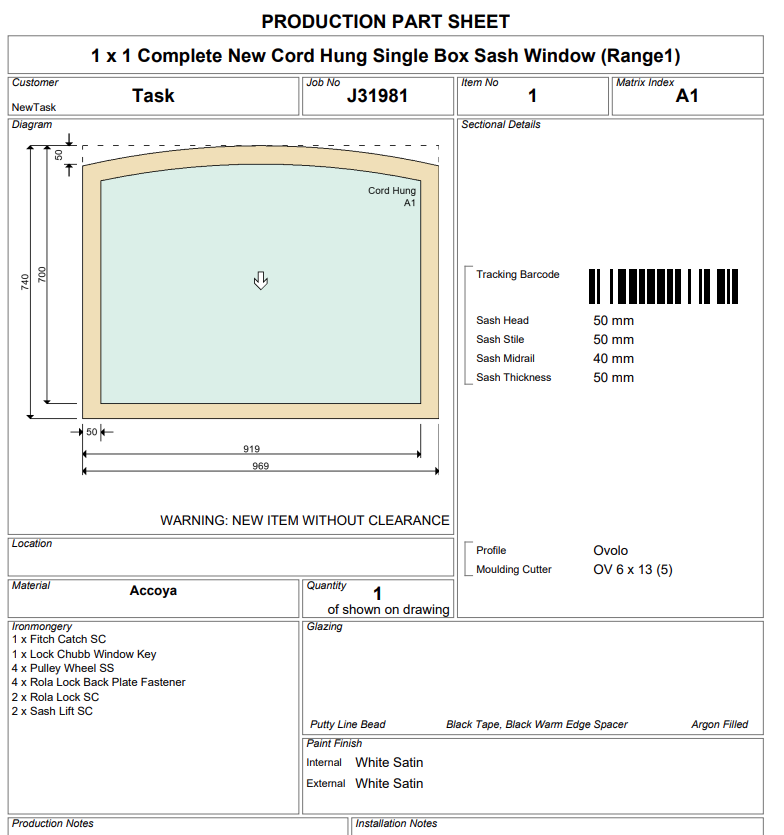
Production Part barcodes are for individual items such as the individual sashes. The barcodes for this are smaller that the Production Item barcodes. To generate these barcodes, you will need to press the option next to NJ Sheets.
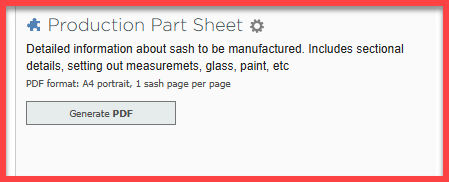
When you press generate pdf on this you will generate your Production Part Barcodes.