
Video Guide: Editing a Salesperson on a Quote
Watch how to edit the Salesperson on your quote.
1. Changing the Sales Person on a quote.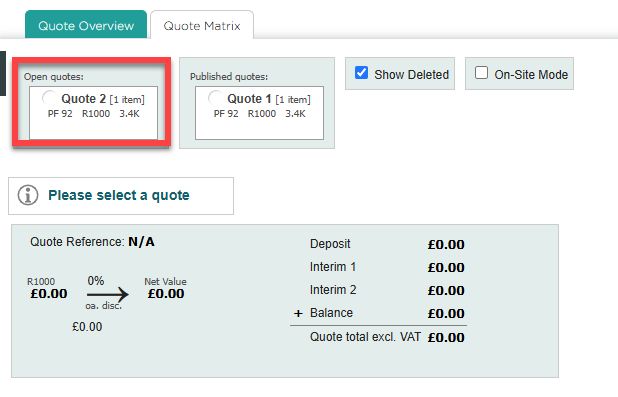
After you have updated your quote, you can use the quote Matrix to change the name of the Sales Person.
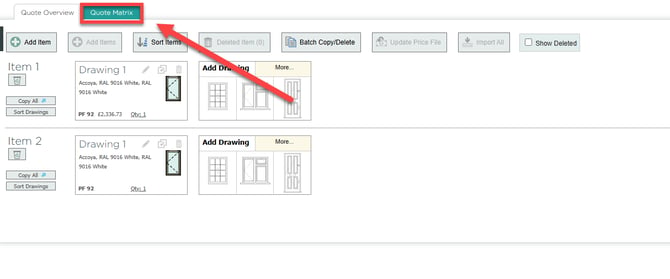 Select the quote you would want.
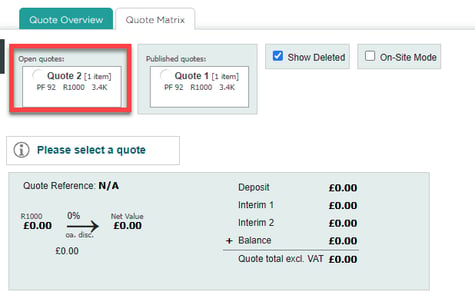
Once you have selected this quote, as long as it is not published, you can edit the name of the Sales Person. If you wish to edit it on a publish quote you will have to click 'Copy Quote.'
In the 'Quote Details' section, there is a button called 'Edit Quote Details.'
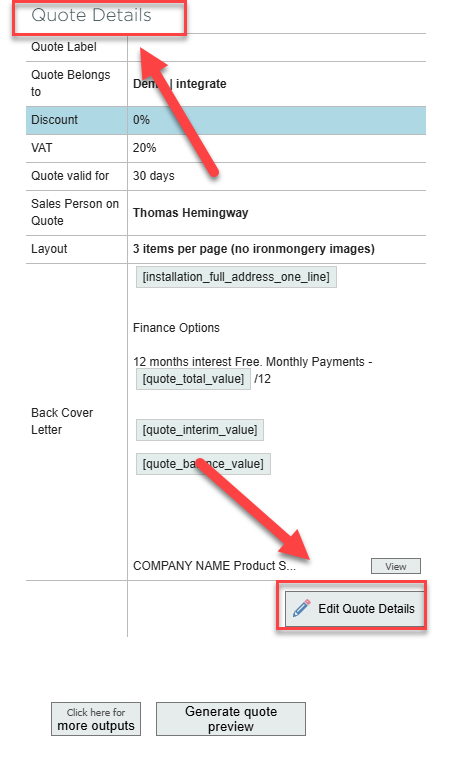
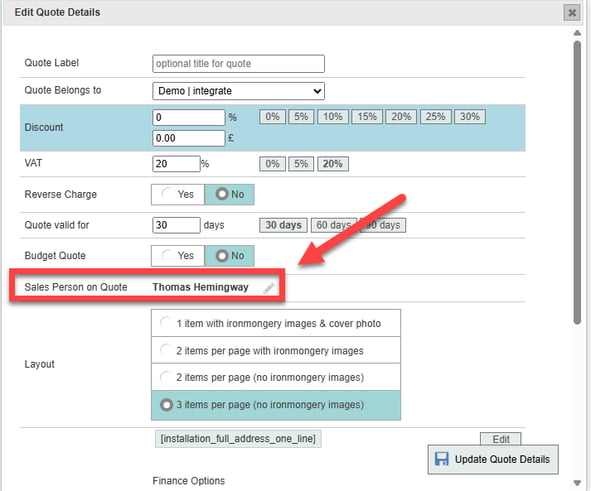
You will then get a menu. In this menu, press the pencil button next to the Sales Person's name.
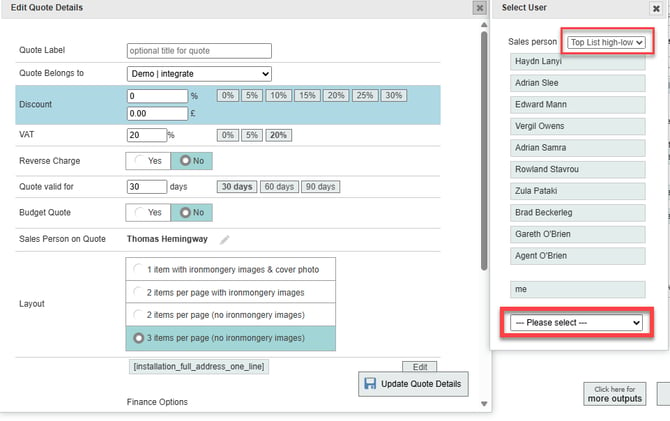
When you click this button, names the names of other Sales People will appear, you can use the drop down menus to sort, and use the bottom drop down menu to find all of the names.
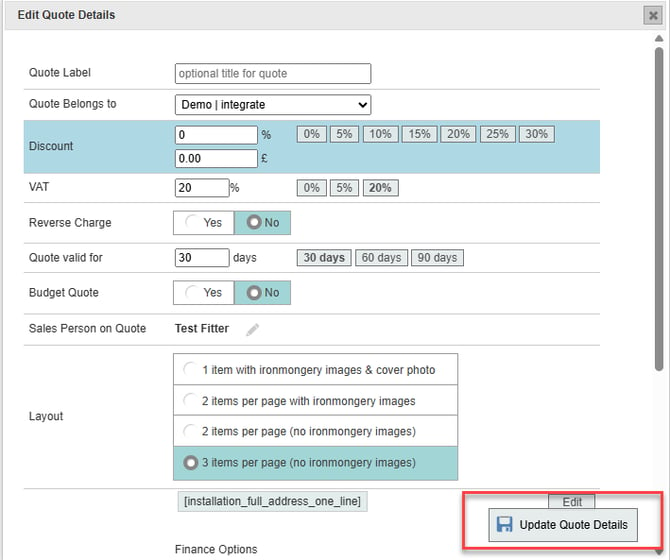
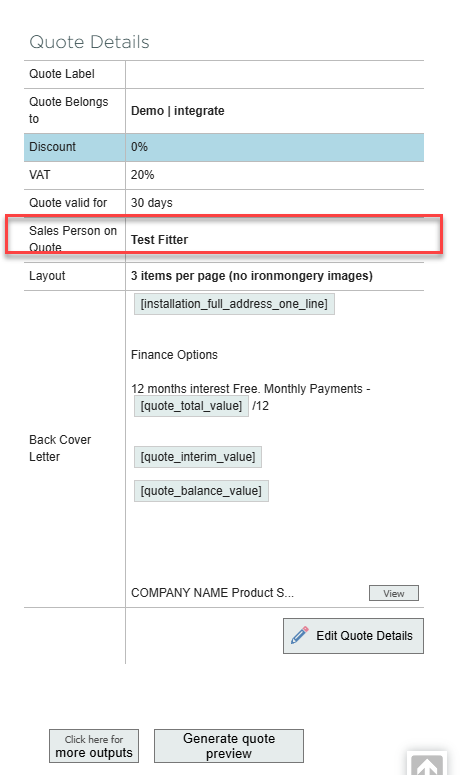
When you select a name and press 'Update Quote Details,' the sales person's name will change.
2. Sales Person on a Quote Setting.
First, click your profile and go to settings.
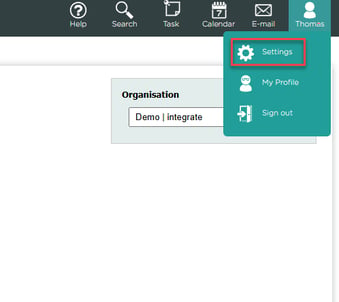
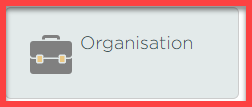
Next, navigate to organisation.
From here, press 'Quote' and then you have the 'Sales Person on Quote' setting at the bottom of the page.
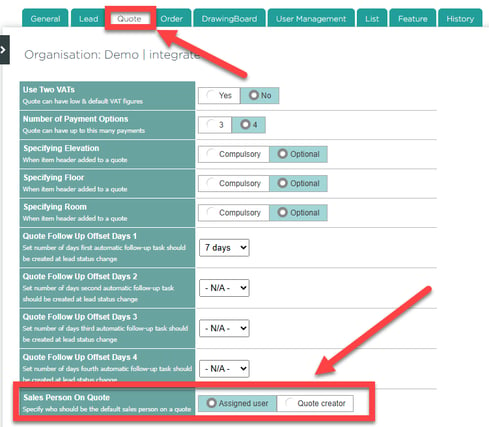
This setting allows you to choose what Sales Person is assigned when you make a quote.