
Key Points: Managing HubSpot Leads
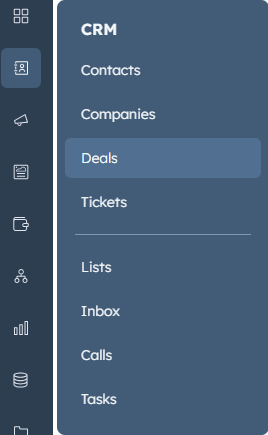
1. Access deals in HubSpot
From the CRM menu, select deals.
2. View pipelines
Each deal belongs to a pipeline. Organisations may use a single pipeline or separate pipelines for different customer types (for example, domestic and commercial).
3. View deal stages
Click the board icon to see all stages within a pipeline and which deals are at each stage.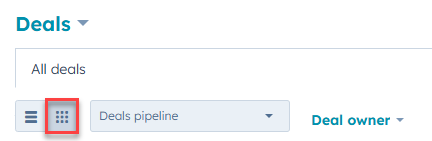
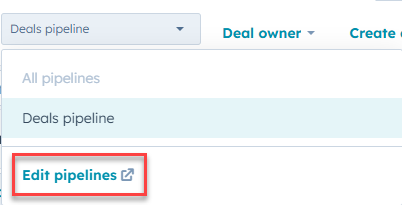
Deal stages can be customised by opening the drop-down menu and selecting edit pipelines.
4. Create a new deal
From the main deals page, click create deal in the top-right corner.
Note: Deals can be automatically created from web enquiries, capturing new web leads as HubSpot deals without the need for manual data entry,

5. Criteria for lead creation
For a deal to generate a lead in integrateCRM, two of the following criteria must be met:
The deal has an associated contact
The deal is at a qualified stage (vary by organisation, can be configured by EndtoEnd support)
The deal has a deal owner
6. Mapping HubSpot data to leads
When the criteria are met, a lead is created in integrateCRM automatically:
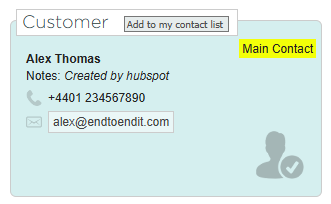
a. The main contact in HubSpot becomes the main contact on the lead
b. If multiple contacts exist on the deal, all are added to the lead
c. The lead name is based on the company's name, if not available the contact’s surname
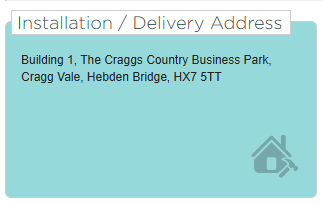
d. The installation or delivery address comes from the site name on the deal

e. The email address, postal address, and phone number come from the contact's HubSpot profile.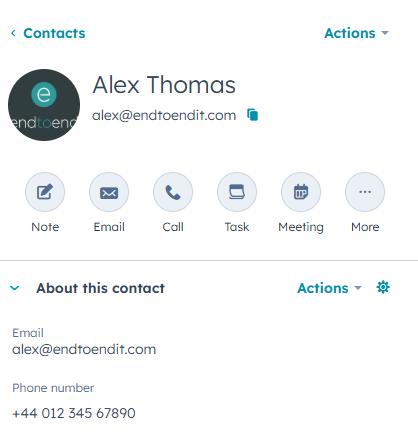
f. The lead label is taken from the record ID on the deal. This number can be searched in both integrateCRM and HubSpot to identify linked records.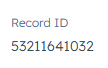

7. Updating leads created from HubSpot
Leads created from HubSpot cannot be edited directly in integrateCRM. Changes to customer details must be made within HubSpot, and the lead will update automatically.
Note: If a lead does not refresh after a change, changing the deal stage in HubSpot and then reverting it forces the lead to refresh in integrateCRM.